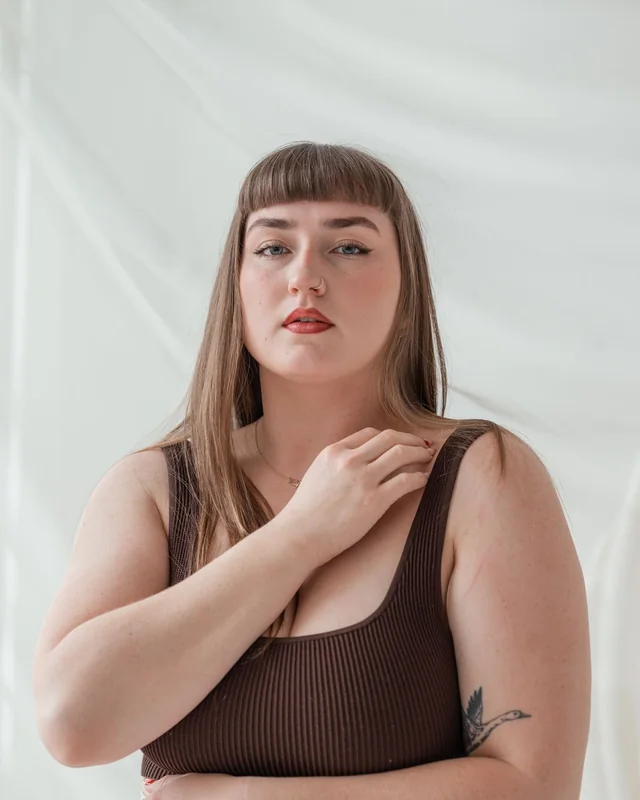
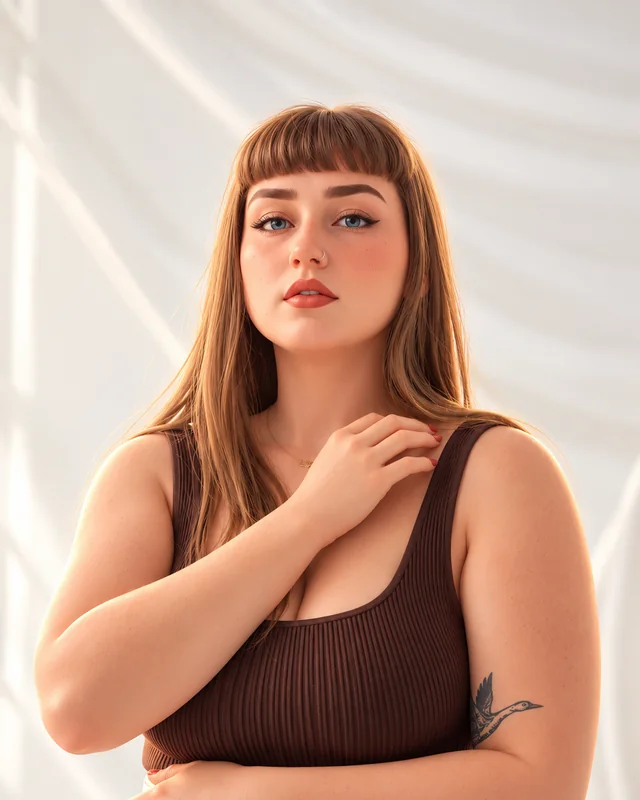
01 / 3D character
Main-character energy
A familiar face with a fun animated-character twist.
Real photo.
Ridiculously fun twist.
Turn yourself, your pet, or a whole scene into a cartoon. Pick an illustration style and keep the personality that makes the photo yours.
Free account · Private results · A little room to play
Same starting photo. A totally different possibility.
A familiar face with a fun animated-character twist.
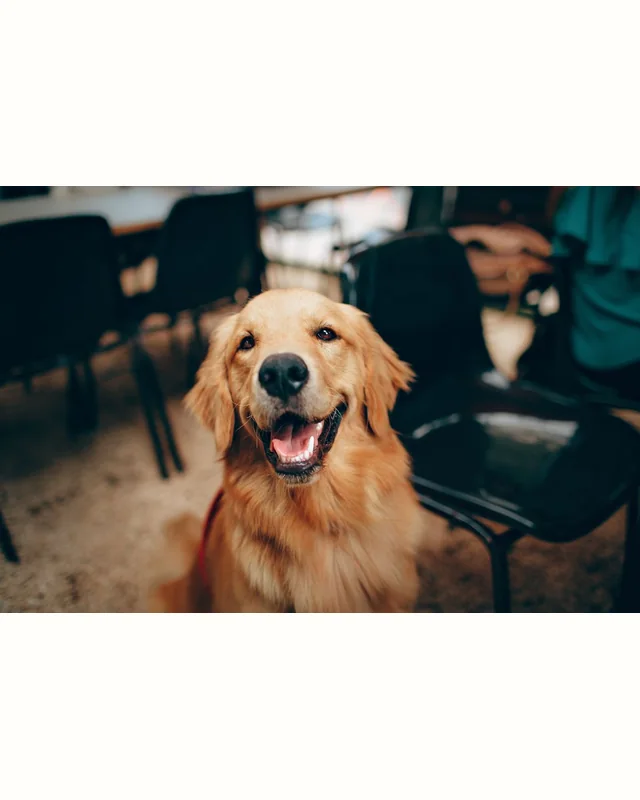
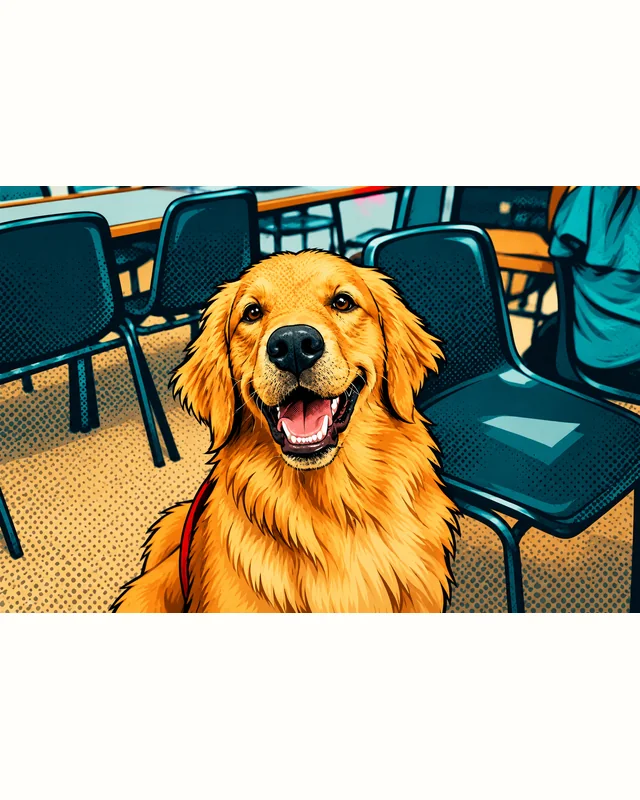
Golden fur, bold outlines, and a whole lot of personality.
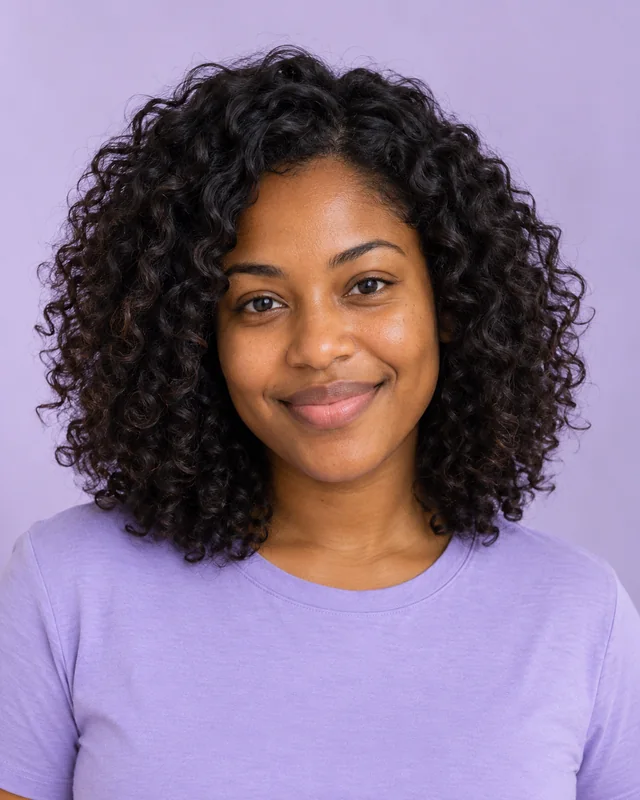
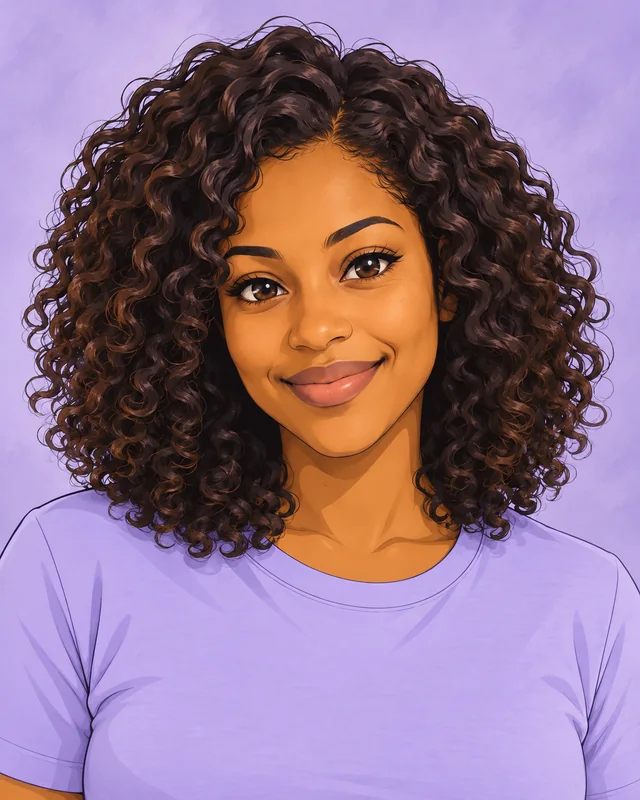
Recognizable curls and a bright, illustrated new world.
Illustrative AI edits made with Codex image generation. Original stock photos from Pexels; some originals are AI-generated. Examples are not user uploads or guaranteed results. Image credits & sources ↗
Pick a photo, follow your curiosity, and let’s see what happens.
Add your photo or borrow an example.
Your new look will pop up here.
AI previews can change details and likeness. Use the result for inspiration.
Start with one clear subject for a strong character portrait. Start with a JPG, PNG, or WEBP, or borrow a gallery example.
Choose a style and tweak the details. Sign in, then press the create button for one fresh AI preview.
Switch between your original and result, download a favorite, or keep the same photo and try a different style.
Turn a photo into a cartoon while keeping the personality that makes it yours. Explore an original 3D character, anime portrait, comic-book illustration, storybook scene, or flat vector style. People, pets, and group photos can all be a starting point. Choose closer likeness or a more playful interpretation, then save your favorite.
Let’s try your idea ↗Our journal is coming soon. Until then, there’s plenty to play with in the studio.
Little answers before your next big idea.
Upload a photo, choose a style, and request an edit. Turn Photo Into Cartoon uses your uploaded image as a reference, together with the selected options, to create a new image. It edits the photo rather than starting from text alone.
Yes. Choose “Use this example” on a before-and-after card to load its source photo and style into the editor. Loading an example is free and does not generate another image. Sign in and press the create button only when you want a new edit.
Start with one clear subject for a strong character portrait. Pets and group photos can also become cartoons. Use close likeness for recognition, or playful for more exaggeration.
No. Your own source photo is sent to OpenAI for your requested edit and is not saved by this application. Generated results are private to your account for up to 30 days. The examples on this page are separate, public demonstration images.
You can make up to three successful or pending edits per account per UTC day, subject to shared capacity. No payment information is requested. Each new generation uses one edit; browsing the examples does not.
No. The gallery contains illustrative AI edits created with Codex image generation. Your result depends on your photo, settings, and the live editing model, and may change details or likeness. Use the preview for inspiration.